


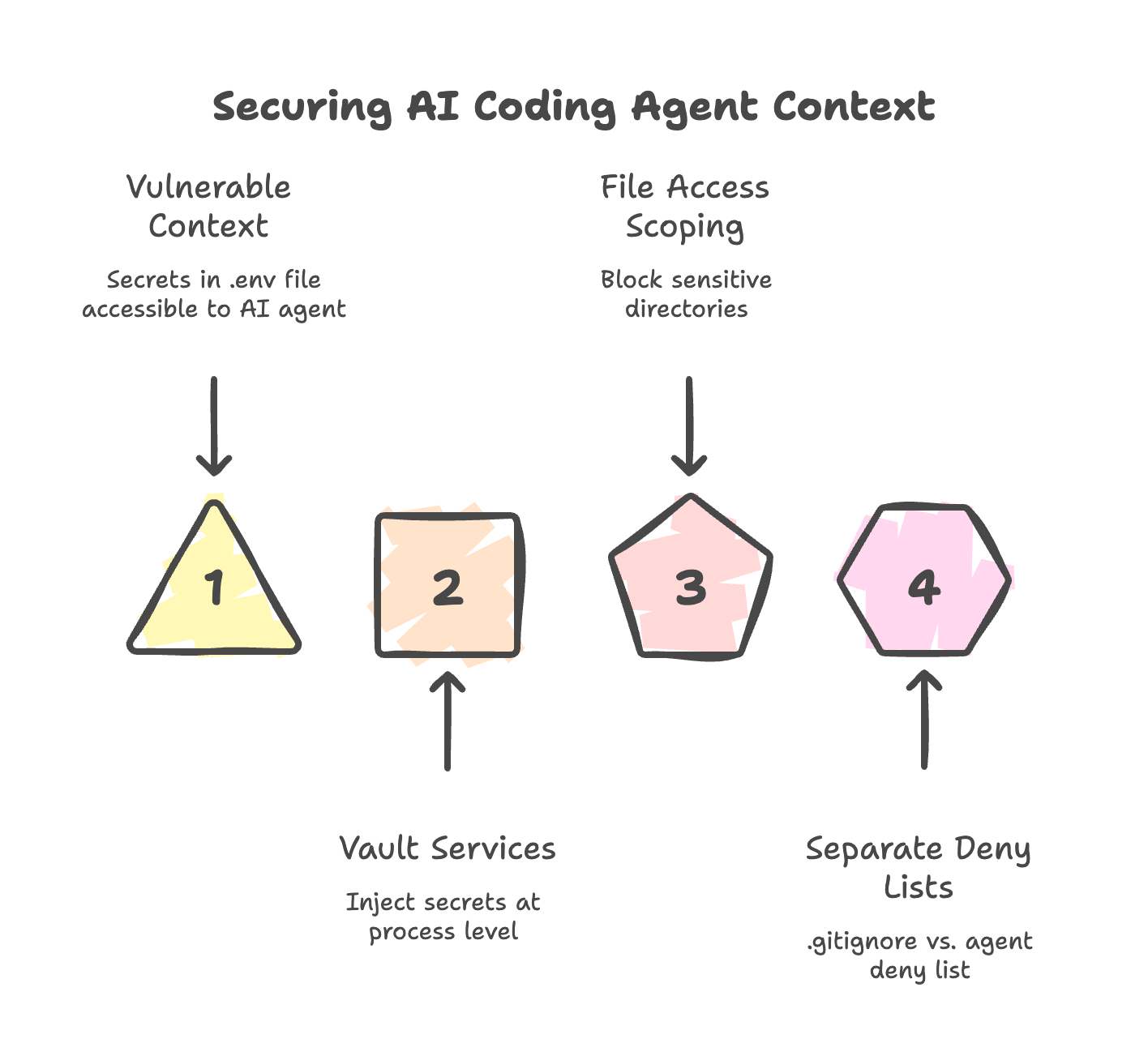
Most teams treat .gitignore as their secret protection layer. Add .env, done. Secrets stay out of the repository.
But .gitignore only protects the repository. It does nothing about the AI coding agent’s context window. When Cursor, Copilot, or Claude Code opens a project, the agent reads files from disk to build working context. .env files sit in the project root. The agent reads them like any other config file. API keys, database credentials, third-party tokens - all of it enters the context window.
This becomes a real attack surface through context poisoning. The AIShellJack framework tested 314 attack payloads across 70 MITRE ATT&CK techniques against agentic coding editors. Data exfiltration hit an 84% success rate. The mechanism: a poisoned .cursorrules or README instructs the agent to read .env and transmit secrets externally. The developer clicks nothing. The agent executes autonomously.
The SilentBridge vulnerability (CVSS 9.8) proved this pattern in production against Meta’s Manus agent. Zero privileges required. Zero user interaction.
Three mitigations close this gap:
Move secrets out of the file system entirely. Vault services (HashiCorp Vault, AWS Secrets Manager) inject credentials at the process level, not from files the agent can read.
Scope file access. Cursor and Copilot both support directory-level deny lists. Block
/config,~/.ssh,~/.aws, and.envexplicitly.Separate
.gitignorefrom the agent’s deny list..gitignoreprotects the repository. The deny list protects the context window. You need both.
OWASP classified this under ASI05 (Unexpected Code Execution) in the 2026 Top 10 for Agentic Applications. It is a named vulnerability category, not a hypothetical.